mirabyte Weblog

New product introduced: mirabyte FrontFace

July 21st, 2010

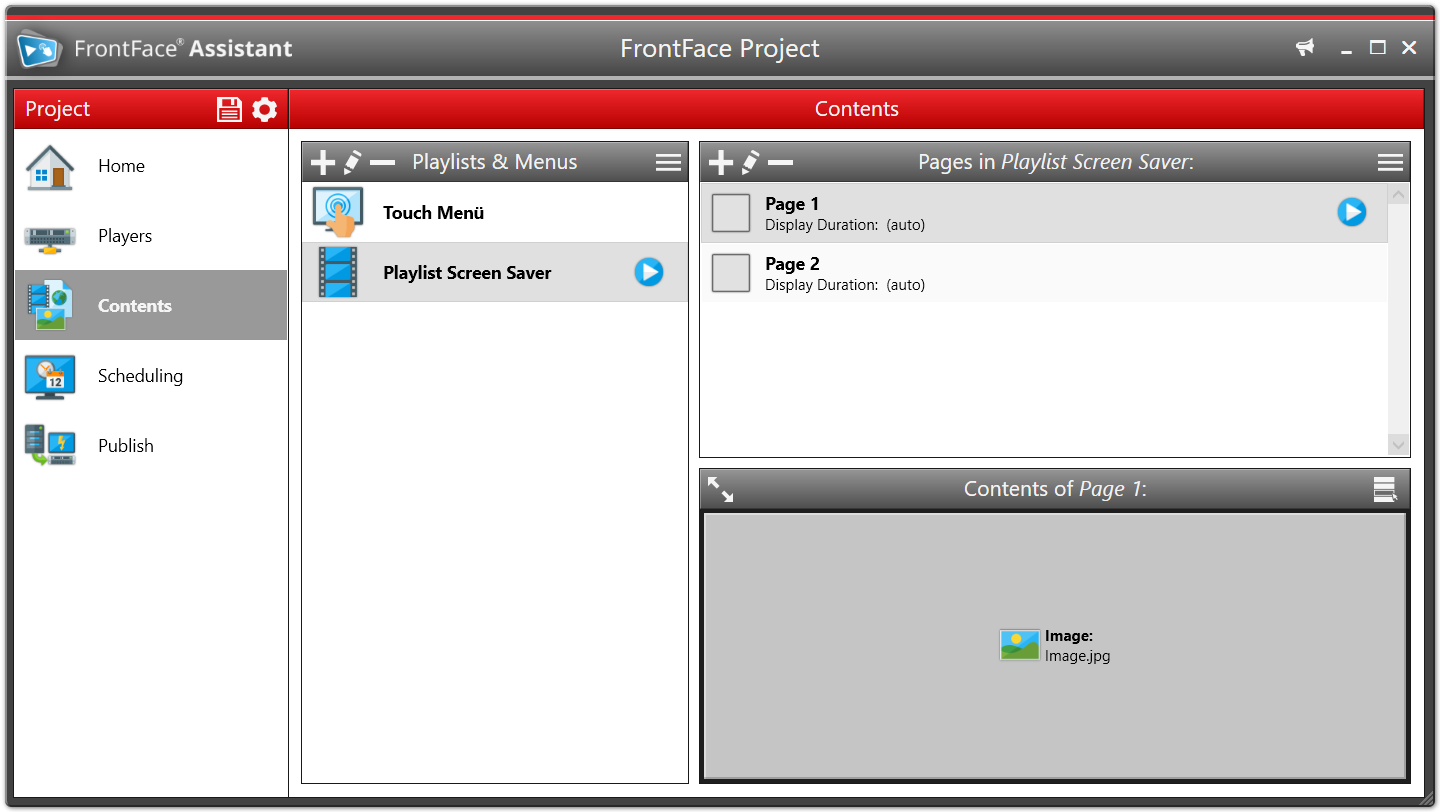
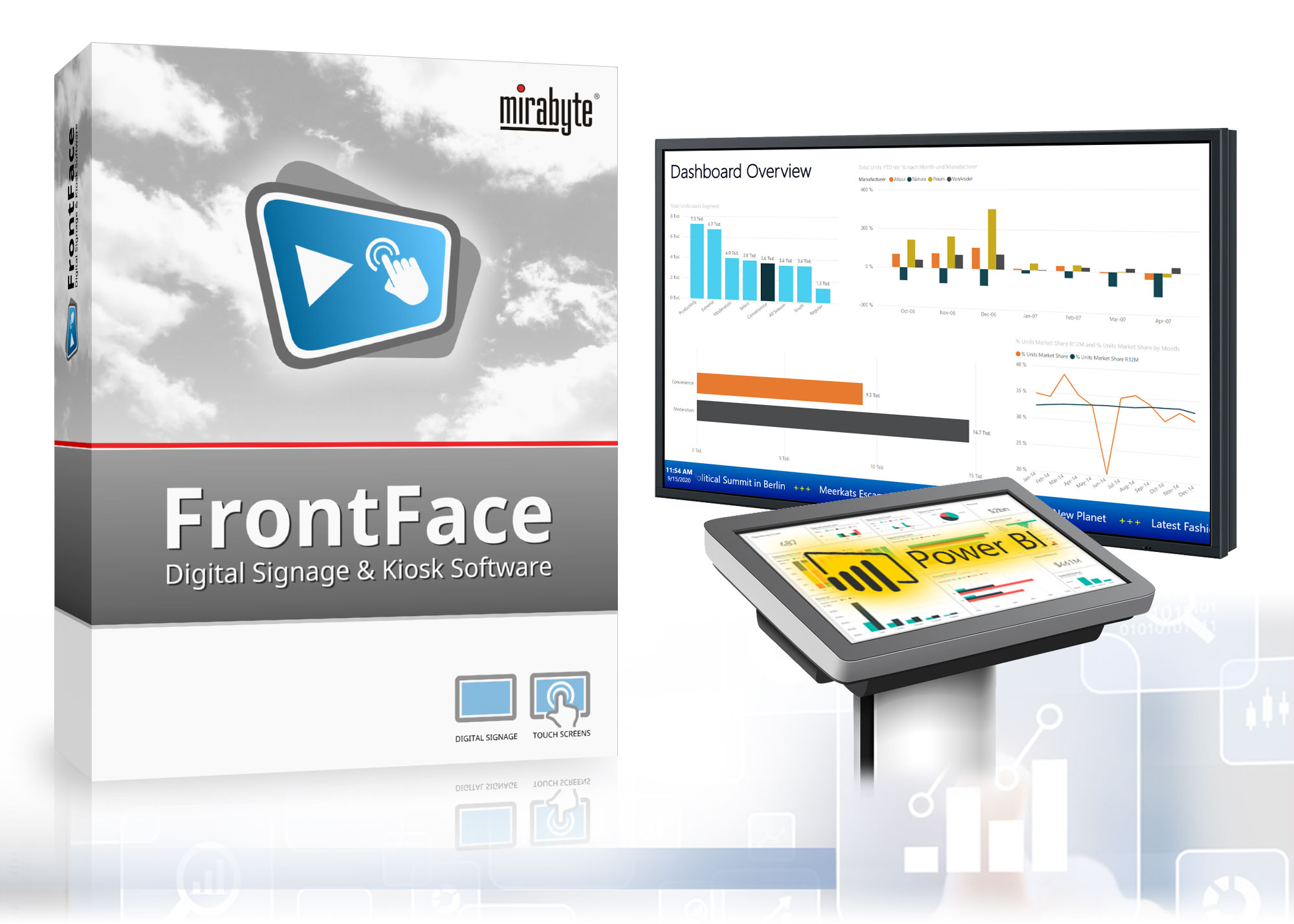
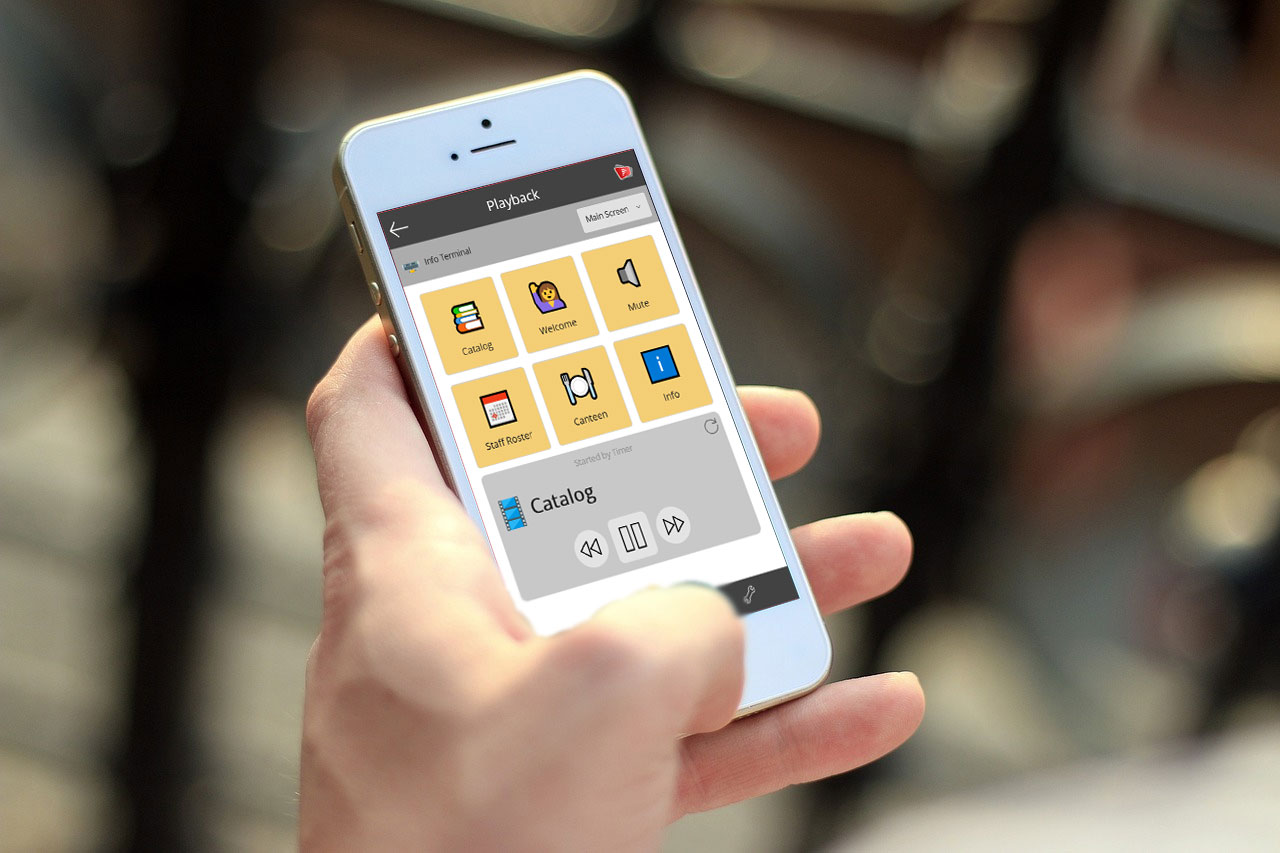
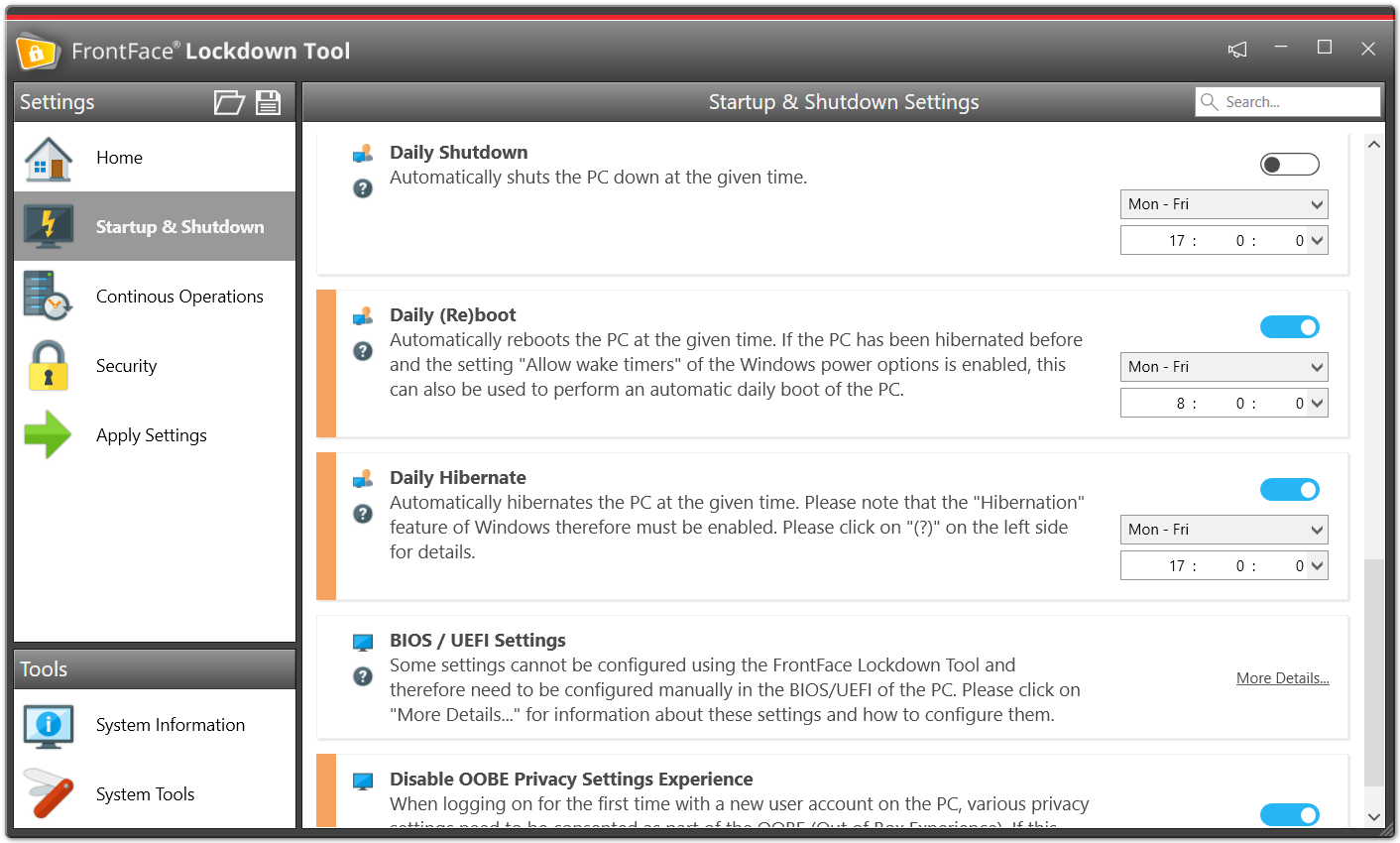
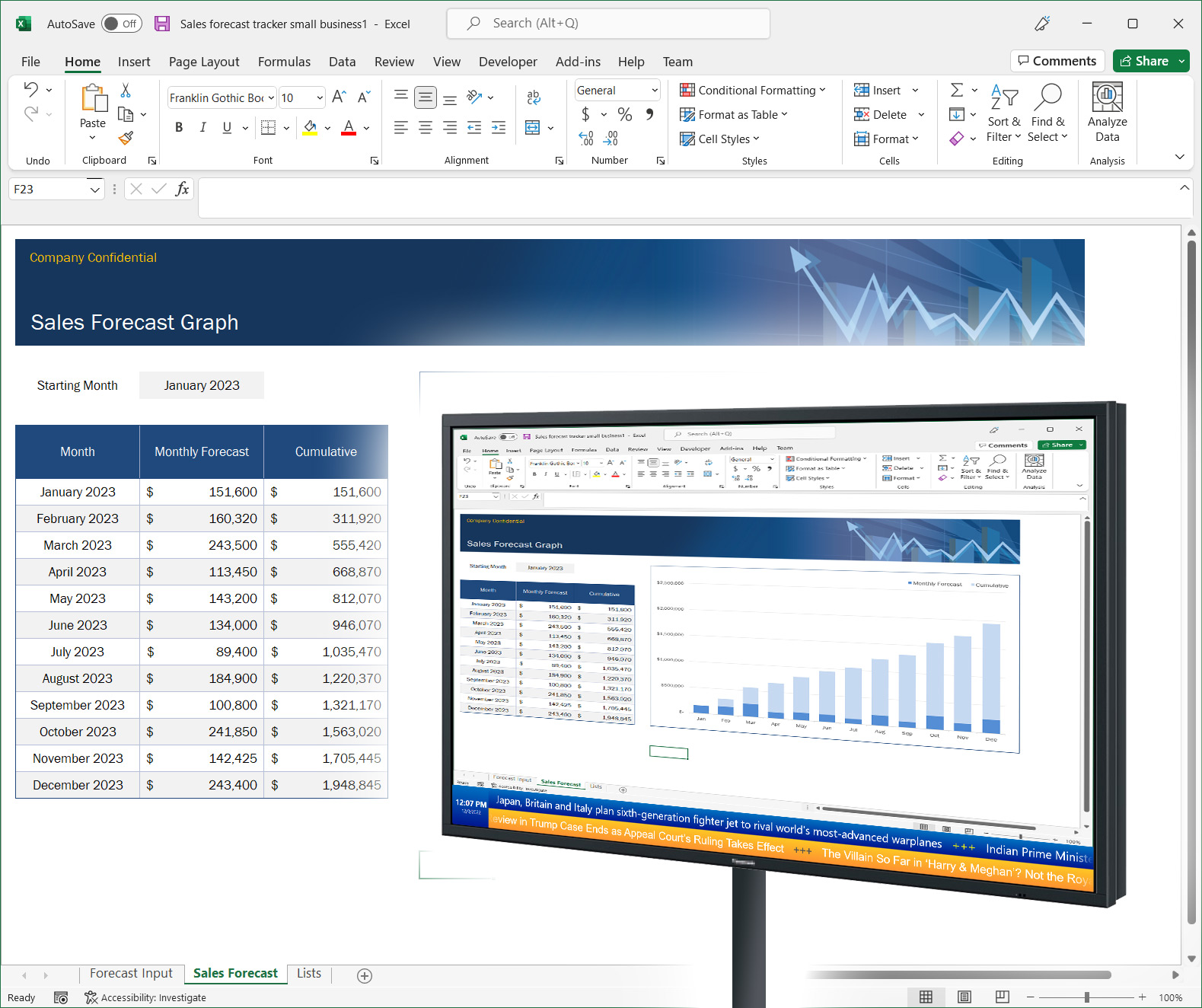
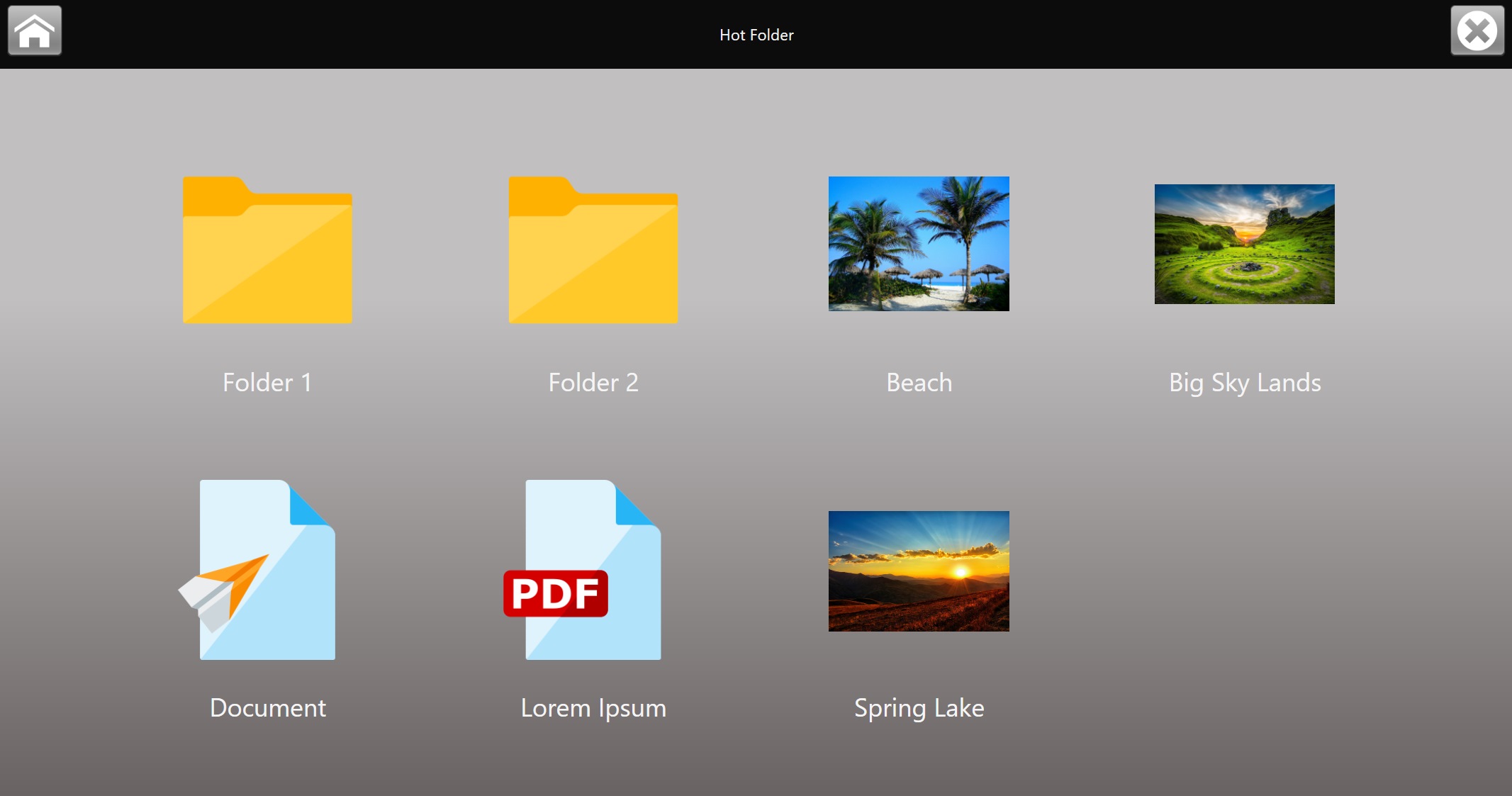
mirabyte has introduced FrontFace, a new brand application that helps to make the use of Windows based Tablet PC’s, Netbooks but also Desktop PC’s and Notebooks much more simple and intuitive.

For more information, please refer to the mirabyte FrontFace Website: http://frontface.mirabyte.com

Discstarter 6 released – the leading solution for professional CD-ROM menus, kiosk terminal front-ends and Web applications on the Desktop

July 14th, 2010

The release of the new version 6 again continues the long and successful story of Discstarter. Discstarter is the leading solution for displaying HTML-based content in a professional way; thousands of satisfied customers around the world use Discstarter for various scenarios, e.g. CD-ROM/DVD-ROM start menus, kiosk terminals and as launcher for Web applications on the Desktop. Due to the fact that Discstarter offers a huge set of customization options, every Discstarter front-end becomes a unique piece of software that reflects individuality and professionalism. The new version offers also a developer API that allows extending Discstarter with custom functionality from a DLL file. Performing special tasks like interacting with the Windows operating system (e.g. accessing custom hardware, etc.) can now be triggered from within the menu with a single line of JavaScript code!

Another aspect of version 6 is the newly introduced Client License, a special license for kiosk terminals and Web application launchers. While Discstarter is usually licensed on a per project model, the installation of the Discstarter Runtime System on a local computer is normally not intended. The Client License allows to license Discstarter on a per computer model which is the right choice for kiosk terminals on which users interact with Discstarter or for starting Web applications on the Desktop.

New Features in Discstarter 6:

  • A Windows registry file (.reg) can be imported automatically on start up
  • Default browser shortcuts (e.g. Ctrl+P for printing) can be disabled
  • Taskbar button of the Discstarter window can be hidden
  • EXE, CMD and MSI files can (optionally) be executed with elevated UAC (User Access Control) on Windows Vista and Windows 7
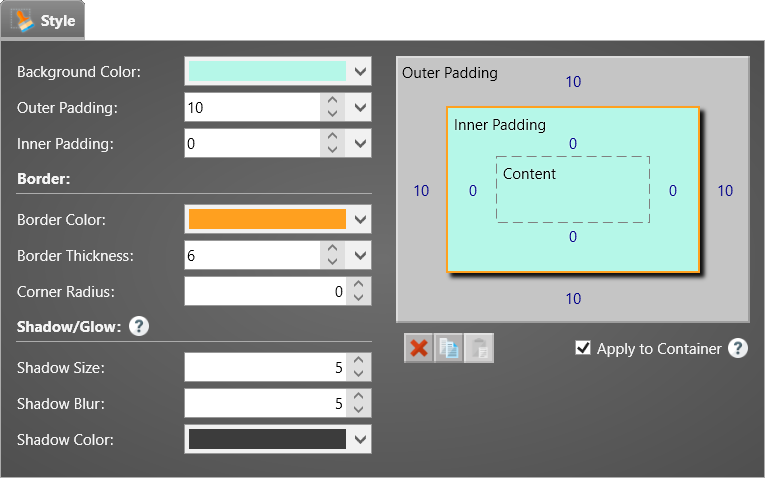
  • New modern Office 2010 look & feel for Discstarter Designer application
  • Developer API for adding custom functionality using a DLL file accessible over the JavaScript Window.external object)
  • New license type “Client License” for using Discstarter on kiosk terminals and as Web application launcher on the Desktop

Use Cases covered by Discstarter 6:

CD-ROM, DVD-ROM, USB Stick Autostart Menu / Front End:
Discstarter’s major use case covers all kind of CD/DVD-ROM menus e.g. magazine cover mounts, product catalogs, company presentations, digital business cards, handbooks, documentations, online help, E-Learning publications, E-Books, job applications, … Apart from CD’s and DVD’s also other removable media like USB sticks or memory cards can be used with Discstarter.

Front End for Kiosk Terminals and Public Displays:
Discstarter can also be used as a flexible user interface for kiosk terminals (e.g. on trade fairs, hotel lobbies or Internet cafés). This gives you the full control over the look and feel and protects the host system from unauthorized access. In order to use the kiosk mode, enter a password in Discstarter Designer that will protect autostart.exe from being closed by the user without the password. Additionally Windows should be configured to work in a kiosk mode as well. Microsoft offers a special toolkit for Windows Vista and XP called “Windows SteadyState”. This toolkit works well with Discstarter.

Launcher for Web Applications on the Desktop:
Do you want to give your web-based application a “desktop look & feel”? Use Discstarter as a launcher to run your application on a local Desktop machine – either over the Internet (Discstarter serves as a browser replacement) or using the integrated, installation-free local Web server (see “Using Server2Go”). This allows you to run Web applications in a customized window instead of a normal browser window. Using Discstarter gives your Web Applications a professional look and feel and prevents users from doing “other things” because the actual browser (Discstarter) is locked down.

For more information and a free (unrestricted) trial version, please visit: http://www.mirabyte.com/en/products/discstarter.html

mirabyte Touch Controls Suite 2 Application Contest

June 11th, 2010

Touch Controls Suite 2 is the leading UI controls library for creating finger-friendly UI on the Windows Mobile / Windows CE platform using the .NET Compact Framework.

Visit http://www.mirabyte.com/en/products/windows-mobile/touch-controls-suite.html for details and a video demonstration.

Join our application contest and develop a Windows Mobile application that uses Touch Controls Suite 2 (a fully functional demo version is available for free on the mirabyte Website!).

Next, send us some screenshots and a brief description about your application plus the compiled application to devsupport@mirabyte.com. After *** 07/15/2010 *** we will proclaim the winner who made the best application with Touch Controls Suite 2.

The first price is a free Touch Controls Suite 2 license (incl. source code), a value of 200 EUR; the second and the third price is a Touch Controls Suite 2 license (2x 70 EUR) and all other participants get a discount coupon for a rebate of 10% on Touch Controls Suite 2 (with source or without source).

We are excited to see your application! If you have any questions, feel free to contact us: devsupport@mirabyte.com!

Update: mirabyte Feed Writer 2.1.0 (RSS News Feed Authoring)

May 28th, 2010

The latest version of Feed Writer now allows you to copy & paste feed items from other news feeds (e.g. directly from the Web) into your own feed. Furthermore, the template system makes it easy to prefill certain fields when creating a new feed or new feed items (articles). Feed Writer is truly the most powerful RSS authoring system available. Because of that, some of our customers even use Feed Writer as a “front-end” for their XML-based online publishing system.

More information: http://www.mirabyte.com/en/feedwriter.html (Freeware!)

mirabyte launches Web Architect 9.1 – the new professional Web development tool

May 26th, 2010

mirabyte has released Web Architect 9.1, a brand new tool for creating modern and professional Websites, homepages and Web applications. Web Architect supports all relevant Web standards and technologies such as HTML, XHTML, CSS, JavaScript, PHP, etc. and features an integrated, flexible Desktop Content Management System.

For more than 10 years, mirabyte, a German-based software development company, has been successfully selling its anchor product SuperHTML Web Studio on the German market. Now mirabyte has released its latest innovation for professional Web Developers that need to create modern, state of the art Websites: mirabyte Web Architect 9.1 which is the official successor of SuperHTML is now available in both English and German language.

Web standards and technologies like (X)HTML, CSS or JavaScript are used to create Web pages but these standards have emerged over time and well accepted best practices and techniques have been established. mirabyte has taken this into account when developing the new Web Architect 9 from scratch.

Dr. Joachim Schwieren, CEO of mirabyte explains: “We have gained a lot of experience in creating Website building applications and editors over the years with SuperHTML and our other products; creating a completely new product from scratch also meant to find new ways for today’s common Web development tasks and to combine them with well established practices and patterns that users expect from Web development tools like e.g. HTML editors. With Web Architect 9 we have created a modern, state of the art Web development tool that helps Web developers and Web workers all over the world to create professional Websites and Web applications!”

One of the special things about Web Architect 9 is the modern, task and context oriented user interface. In contrast to traditional code editors which often suffer from overloaded menus and toolbars, Web Architect makes use of the new enhanced Ribbon user interface known from Microsoft Office 2010. By using this kind of interface it is possible to work conveniently with the application no matter if working on an HTML or a CSS document or any other kind of Web document.

Another new feature is the extremely powerful code editor that comes with all the features that one can expect from a modern editor such as code snippets (compatible with Visual Studio snippet format!), code completion, smart tags and code folding. Several “intelligent” features save a lot of manual work. Finally the Gecko browser engine (Firefox) can also be integrated into the internal preview feature of Web Architect. Along with the natively supported Internet Explorer preview this allows viewing and validating a Web page in the most common browser engines used today.

But the most interesting features is the integrated Desktop Content Management System (CMS) which is available in the Professional Edition of mirabyte Web Architect: The fully-fletched, template based Desktop CMS that makes it easy to create and maintain full Websites and projects but does not limitit the flexbility that is needed for creating great looking Websites.

Web Architect is available on the mirabyte Website as free trial version, as Standard Edition and as Professional Edition with and extended feature set (CMS, etc.). The Standard Edition costs 49.95 EUR, the Professional Edition 99.95 EUR. The software runs on Windows XP, Vista and Win7.

packshot-150

More details on: http://www.mirabyte.com/en/products/webarchitect.html

What is the next big thing?

May 25th, 2010

We are excited to announce our latest product which will be available in the mid of the year: mFramework. It is actually the name of the underlying technology platform we built for the next generation solution for enhanced desktop productivity, information integration, dashboarding and notification/messaging.

We will release several new products based on the mFramework that address both consumers (focusing the easy use Web-enabled Desktop computers, net books and tablet PCs) and business users (corporate desktops, notifications and dashboarding).
mFramework integrates information from all over the Web in a unique user experience (UX) that makes deriving true value from this information as easy as possible for the user. Furthermore the new user experience that also addresses the special limitations and requirements of small displays (like on net books) as well as on touch screen based devices.

The new platform is fully based on the latest .NET 4.0 and WPF (Windows Presentation Foundation).

We have already setup a product Website with the very first bits of information on the new platform. More details, screenshots and also videos will be added soon!

Touch Controls Suite 2.0 released: The leading solution for finger-friendly applications on the Windows Mobile platform

March 23rd, 2010

We are happy to announce the immediate availability of Touch Controls Suite 2.0. Touch Controls Suite is a control suite for the .NET Compact Framework. It allows software developers to create great looking user interfaces (UI) for “stylus-free” applications that support finger-based interaction on the Windows Mobile and Windows CE platform.

Touch Controls Suite consists of more than 10 controls. The core control is TouchListBox. It is the most sophisticated list box control that is currently available for .NETCF/Windows Mobile. It supports smooth, kinetic scrolling as well as various animation effects. TouchListBox is a universal control that can be used for all kind of lists, menus and catalogues. This makes it the perfect core control for creating intuitive, finger-friendly applications on Windows Mobile devices. Several very useful accessory controls like TitleBar, ButtonBar, TouchCheckBox, TouchPictureButton or TouchTextBox offer extended touch screen support for any aspect of finger-based applications and help creating visually compelling user interfaces with ease.

 The new version comes with many improvements and several great new features:

  • TouchListBox with kinetic scrolling and optional scrollbar indicator
  • Intelligent caching mechanism for fast scrolling, even through long lists (unlimited list items)
  • Low memory footprint and carefully optimized drawing algorithms for excellent overfall performance
  • Custom list item types (text, text+icon, header, check box, radio box (with grouping), …), additionally, fully owner-drawn item types are also possible now
  • List items can have different sizes
  • New Glass-Dialog that supports also custom controls
  • ButtonBar (toolbar) with unlimited number of buttons
  • Compatible with all standard .NETCF controls (no proprietary form classes required!)
  • Improved support for images with alpha transparency (PNG) in all controls (incl. TouchPictureButton, TouchTextBox and TouchCheckBox)
  • Support for .NET Compact Framework AND also for the “full” .NET Framework (desktop version)

Because Touch Controls Suite is based on the .NET Compact Framework, it can be used with programming languages like C# or VB.NET. But the new version of Touch Controls Suite can not only be used for Windows Mobile / Windows CE development – it is also fully compatible to the full .NET Framework that is used on desktop computers. So Touch Controls Suite can now also be used to create touch screen enabled applications for the desktop with exactly the same controls as for the mobile devices. Porting mobile applications to the desktop and vice-versa has never been easier and gives the developer a full set of new possibilities.

For those that already have licensed Touch Controls Suite 1.x, a discounted update is available.

Please visit the Touch Controls Suite 2.0 Website for more details!

Touch Controls Suite 2.0 almost ready to ship!

March 19th, 2010

Currently we are wrapping everything together for the upcoming release of Touch Controls Suite 2.0 which comes with a lot of improvements and new, cool features compared with version 1.x!

Of course TouchListBox is once again in the main focus of the whole suite. With version 2.0 you are able to create your own custom list items. Touch Controls Suite 2.0 already comes with some ready to use list item types like text item, checkbox item, radio button item (with grouping support). Also the memory footprint and the drawing performance have been dramatically improved. Touch Controls Suite 2.0 even runs fine on older, not so powerful devices such the HTC Nova etc.

Finally, one of the biggest innovations is the fact that all controls can also be used with the “normal” desktop .NET Framework. So if you plan to develop finger-friendly applications not only for Windows Mobile and .NET Compact Framework, you can now also address the new upcoming hype of touch-enabled applications on Windows 7!

Here is a video that shows some of the new features of Touch Controls 2.0; a new video will follow when the final version has been released!

So visit our Website in the next days for the new version!

By the way: If you have purchased Touch Controls 1.x within 2010, you get the update for free!

Touch Controls Suite 1.7 released!

December 7th, 2009

We are excited to inform you about the immediate availabilty of the latest update for our Touch Controls Suite. Apart from several improvements we now also have three brand new controls:

  • GlassDialog – a new cool looking modal dialog
  • TouchTextBox – a skinable text box control
  • TouchCheckBox – a finger-friendly checkbox control

 Apart from that our TouchListBox now has the often requested “flip back” effect. You can now scroll below the start/end of a list and the list then flips back like a rubber band to the default position.

 For more details on the new version and a short video preview, please visit the forum: http://forum.mirabyte.com/thread-121.html

 More details about Touch Controls Suite is available on our Website: http://www.mirabyte.com/en/products/windows-mobile/touch-controls-suite/

By the way: We now also have compiled versions of the demo applications packaged as an installable CAB file. This allows you to quickly try out the controls on your device! Just visit the download section on the product Website!

mirabyte Touch Controls Suite at MobileGuru Conference in Leipzig, Germany

November 3rd, 2009

mirabyte representatives will attend the MobileGuru conference on Windows Mobile and Windows CE this year in Leipzig, Germany (11-30-2009 – 12-01-2009). Apart from Touch Controls Suite, there is also a session about ID-Services.NET, our RFID middleware architecture for the .NET Compact Framework. The full list of all sessions can be found here: http://www.mobileguru.de/Sessions.aspx